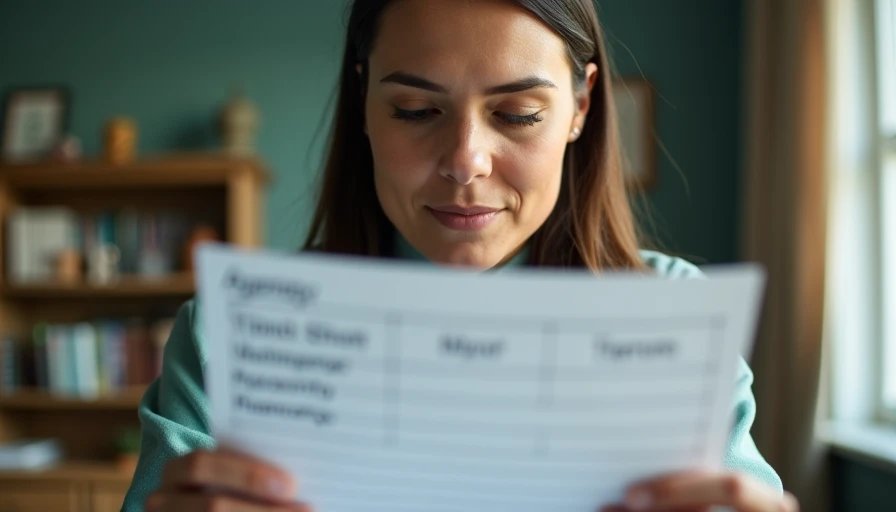
An agenda template sounds like a small productivity tool, but it can determine whether a meeting ends with decisions or another meeting on the calendar. I started using an agenda template after realizing that our weekly operations call regularly ran 20 minutes over. The problem was not that people talked too much. We had simply failed to define what needed a decision, who owned each topic, and how much time we could spend.
A useful template does not make every meeting identical. It creates a reliable starting point, then leaves room for the details that matter. Here is how I build one, where AI helps, and what still needs a human review before the invite goes out.
Start with the real meeting, not the document
Before opening Microsoft Word, Google Docs, Notion, or a project management app, write down the actual task. Are you trying to approve a budget, remove a shipping bottleneck, assign work, or simply share updates? Each goal calls for a different structure.
For a weekly team meeting, my basic agenda template includes the meeting objective, open action items, urgent exceptions, decisions required, and assigned next steps. For a project kickoff, I replace the exception section with scope, milestones, risks, roles, and communication rules. A one-on-one needs a completely different rhythm, usually including wins, blockers, feedback, and development questions.
The first test is simple: can someone understand the meeting’s purpose in 15 seconds? If not, the template is carrying too much history and not enough direction. Put background information in a linked document rather than forcing attendees to search through a crowded page.
A good agenda template also names the meeting owner and the person responsible for recording decisions. Those roles can be the same person, but they do not have to be. Without ownership, action items often become polite suggestions that nobody revisits.
The sections that earn their space
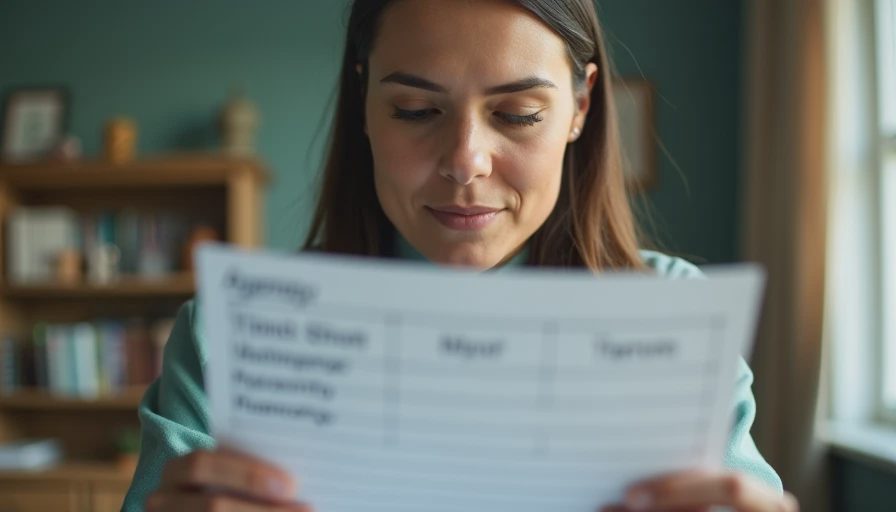
The most dependable agenda template I have used contains six practical sections. The meeting title and objective come first. Next comes a short review of unfinished actions from the previous meeting. Then the agenda lists discussion topics, with an owner and a time estimate for each. A decision section identifies items that cannot wait for another call. Finally, the meeting ends with action items, deadlines, and a stated follow-up date.
Time estimates are more useful when they are realistic. A topic labeled “customer issue” could consume five minutes or half an hour. Write “review delayed account, choose replacement carrier, confirm owner” and assign 12 minutes. Specific wording exposes hidden work before the meeting starts.
I also include a parking lot for useful but nonessential subjects. This prevents an interesting side question from hijacking a decision that affects today’s shipment schedule. The parking lot is not a dumping ground; each item needs a future owner or a clear reason to remove it.
Avoid adding decorative sections just because a template gallery includes them. A weather check, inspirational quote, or long attendee list will not rescue a vague meeting. Every line should help someone prepare, decide, or follow through.
Using AI to prepare an agenda
AI can make an agenda template faster to fill out, especially when the raw material is scattered across email, chat, and last week’s notes. I tested this with a fictional operations update containing 18 bullet points, several duplicate issues, and two unresolved vendor questions. The first draft took about two minutes to generate. It grouped similar issues well, but it incorrectly treated an old item as a current priority.
That mistake is exactly why I do not ask AI to “make a meeting agenda” and paste the result into an invite. A better prompt includes the meeting purpose, attendees, available time, known decisions, and the source notes. I ask the tool to separate decisions from information, suggest time limits, and flag anything that needs confirmation rather than presenting it as fact.
A practical prompt might say: “Create a 30-minute project review agenda from these notes. Put decisions first, group duplicate updates, identify unresolved risks, assign no owner unless one is stated, and mark uncertain details for human review.” This produces a more useful starting point than a generic request.
Here’s what I still had to fix: the generated agenda used vague labels, combined two unrelated owners, and scheduled six topics for a meeting that realistically had room for three. The correction took four minutes. That was still worthwhile, but only because the human review was part of the process.
A simple example for a weekly meeting
Imagine a 45-minute customer support meeting with a team lead, two coordinators, and a product representative. The agenda template could begin with a three-minute objective: reduce the oldest unresolved tickets and confirm who will investigate a recurring billing error.
The next five minutes review last week’s actions, including the ticket count and any overdue follow-ups. Ten minutes cover urgent customer patterns, but only items supported by examples. Fifteen minutes go to the billing error because it requires a decision about escalation. Seven minutes cover staffing or schedule changes. The final five minutes confirm owners, deadlines, and the next review point.
Notice what is missing: a round-robin update from every attendee. If someone has no relevant change, requiring a spoken report creates time without improving the result. Their information can go in a shared update before the call.
This agenda template gives the team a visible route through the meeting. It also makes cancellation easier. If there are no decisions, risks, or overdue actions, the team can send a written update instead of meeting by habit.

Choosing the right tool
For a small team, Google Docs or Microsoft Word is usually enough. A shared document works well when people need to add questions before the meeting and review notes afterward. Notion, Coda, and similar workspace tools are more useful when the agenda connects to project pages, databases, or recurring action items.
Microsoft Teams and Slack can support a lightweight agenda workflow through pinned documents, scheduled posts, and meeting notes. The tool matters less than whether attendees know where the current version lives. I have seen teams lose more time searching for “the final agenda” than they would have spent writing it again.
A spreadsheet is surprisingly effective for recurring operational meetings. Columns for topic, owner, status, decision, due date, and follow-up create an audit trail. It looks less polished than a template gallery, but it is easier to filter overdue work and spot repeated problems.
Do not buy a specialized meeting app before testing the basic workflow for two or three weeks. Record preparation time, meeting length, corrections after the call, and the number of completed actions. The demo looked good. The Tuesday test was different: our fancy tool added clicks without improving decisions.
How to test your agenda template
Run the same agenda template for three meetings, then review the evidence. Measure how long preparation takes, how many topics were completed, how often the meeting ran over, and whether action items had owners and dates. Also ask one blunt question: did the meeting produce a decision that would otherwise have been delayed?
If preparation takes 25 minutes for a 20-minute meeting, simplify the document. If discussions repeatedly exceed their time limits, the issue may be unclear decision authority rather than poor scheduling. If attendees arrive unprepared, add a short preparation request to the calendar invite and send the source material early.
After each test, remove one section that nobody uses and clarify one section that causes confusion. A useful agenda template should get shorter and sharper over time, not grow into a meeting scrapbook.
The best result is not a beautiful page. It is a meeting where people know why they are present, what must be decided, and what happens next. Test it in real life, measure the friction, and keep only the parts that help ordinary work move forward.
For AI tool features, rules and availability, refer to their official sites.

Leave your thoughts here, too.