A prompt engineering course sounds like something reserved for software developers. I tested that assumption with the kind of work that fills an ordinary office day: rewriting vendor emails, summarizing meeting notes, cleaning spreadsheet instructions, and turning rough requests into usable checklists. The useful question was not whether a course could teach impressive terminology. It was whether a prompt engineering course could help me finish repetitive work faster without creating more checking than the original task required.
My starting point was simple. I could already ask an AI chatbot questions, but my results were inconsistent. One request produced a clean summary; the next buried the important detail under five paragraphs of general advice. I recorded the time spent writing the request, reviewing the answer, and correcting it. That baseline matters because a polished demonstration is not the same as a reliable work process.
What a prompt engineering course should actually teach
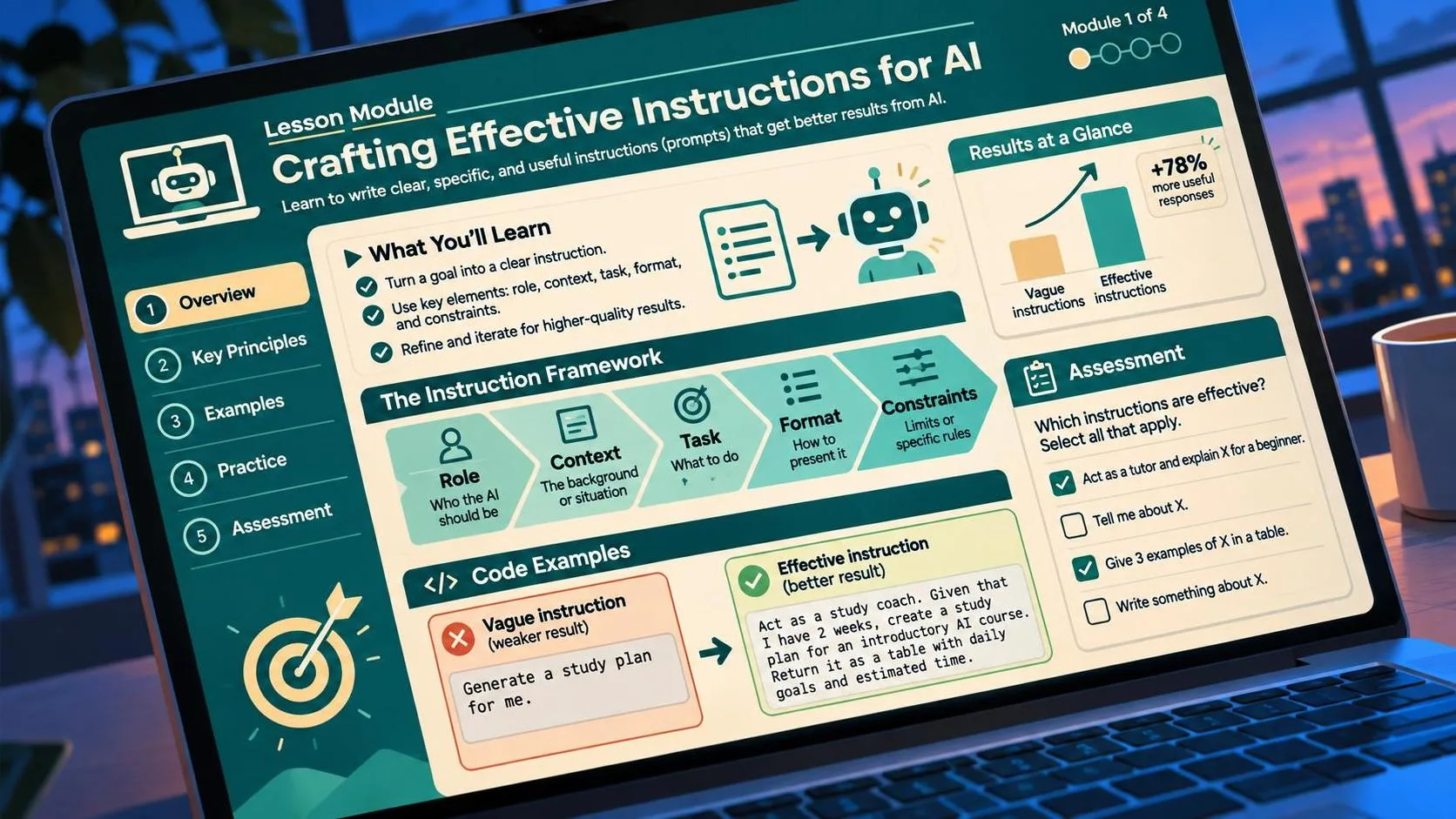
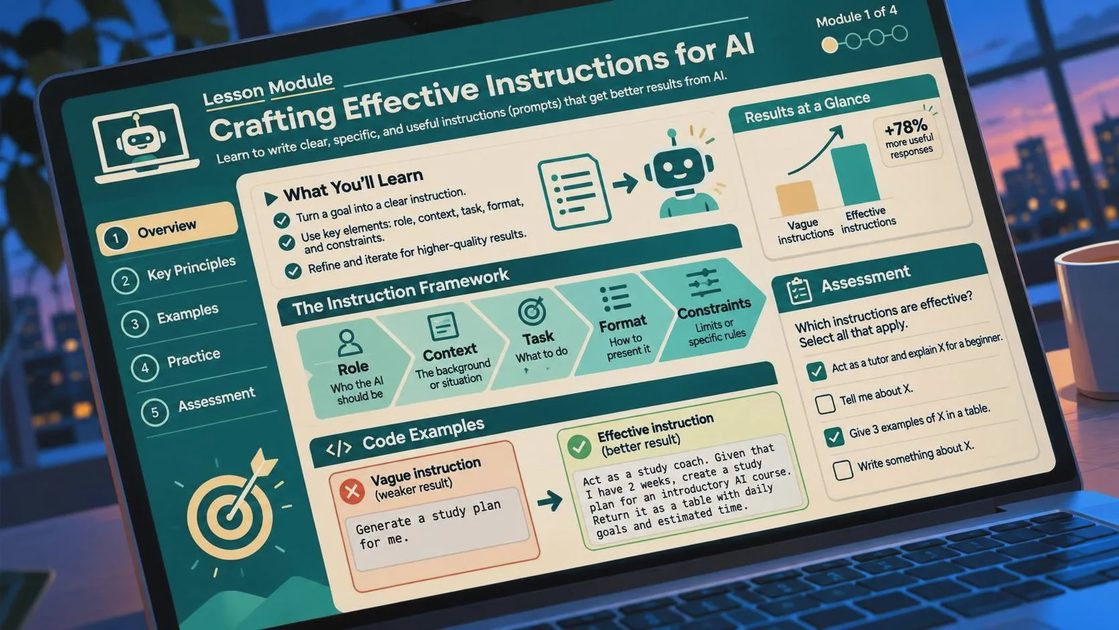
A worthwhile prompt engineering course should begin with task definition, not magical phrases. Before asking an AI tool for help, you need to identify the desired output, the audience, the source material, and the limits. For example, “summarize this meeting” is vague. “Create a six-bullet summary for a warehouse supervisor, list every owner and deadline, and mark missing dates as unknown” gives the system a job it can perform and you can inspect.
The best lessons usually cover a few practical skills:
- Giving the model relevant context without pasting an entire inbox.
- Stating the format, length, tone, and audience.
- Separating instructions from the information being analyzed.
- Asking for assumptions and missing information to be identified.
- Providing an example of a good answer when consistency matters.
- Reviewing output rather than treating confidence as proof.
I do not need a lesson that spends an hour declaring that artificial intelligence will transform everything. I need to know why one request produced a useful table while another invented a deadline. A prompt engineering course earns its place when it explains those differences in plain language.
My real-world test: email and meeting notes
Here was the actual task. I had a rough set of notes from a 35-minute operations meeting and needed a follow-up email with decisions, open questions, owners, and dates. Writing it manually took about 22 minutes. A basic AI request reduced the first draft to roughly five minutes, but the draft included one action that had been discussed and rejected. I removed that sentence, checked the names, and rewrote the opening. Total time was about 11 minutes.
That was a useful result, but not a miracle. The tool saved around half the time while still requiring human review. A prompt engineering course helped most when it showed me how to require a distinction between confirmed decisions, proposals, and unresolved items. That small change made the second draft easier to verify.
The prompt looked something like this: “Use only the notes below. Create four sections: confirmed decisions, assigned actions, unresolved questions, and deadlines. Do not infer an owner or date. If the notes do not provide one, write ‘not stated.’” The wording is not fancy. Its value comes from setting boundaries that match the real risk of the task.
Here is what I still had to fix: names, one vague deadline, and the tone of a sentence that sounded more certain than the meeting itself. Those corrections took less than three minutes. For routine office work, that is a better outcome than a dramatic but unreliable shortcut.
Which format is worth paying for?
A prompt engineering course can be a video series, a live workshop, a university-style class, or a short practical guide. The format matters less than the exercises. I would rather complete ten realistic tasks than watch ten hours of slides about model architecture.
A low-cost course or structured tutorial can be enough for an office worker who wants better email drafts and summaries. Expect prices from free to about $50 for introductory material. A more organized program in the $100 to $300 range may add assignments, feedback, templates, and lessons on using tools such as ChatGPT, Claude, Gemini, or Microsoft Copilot. Higher-priced certificates deserve more scrutiny. A certificate does not automatically prove that someone can design a dependable workflow.
Before purchasing, look for a syllabus with practical examples, an explanation of limitations, and exercises that require checking the answer. Be cautious when a sales page promises guaranteed income, instant expertise, or effortless automation. The course should teach judgment as well as phrasing.
How to choose a course for your job
Start with your recurring tasks. If you write customer replies, look for lessons on tone control, source-grounded drafting, and privacy. If you work in operations, prioritize extraction from messy notes, structured checklists, spreadsheet support, and exception handling. If you freelance, choose material that covers client context, reusable templates, and revision workflows.
A useful prompt engineering course should also explain what not to upload. Company pricing, private customer details, passwords, personal identifiers, and confidential contracts should not be pasted into a public chatbot. Learn whether your employer has an approved business account and what data rules apply. Better prompting cannot repair a poor data-handling decision.
I also look for lessons that compare a first attempt with a revised attempt. That before-and-after view reveals whether the instructor is solving a real problem or merely displaying a neat prompt. A short assignment should make you measure starting time, review time, error count, and repeatability. Those four numbers tell you more than a glowing testimonial.

A simple four-week practice plan
You do not need to finish a long program before testing the method. In week one, choose one low-risk task and record how long it takes manually. Write down what a correct result must contain. In week two, create three versions of the request, changing one element at a time: context, format, or constraints.
In week three, add a review step. Ask the tool to flag missing information, but verify every important claim against the original source. Try the same prompt on several examples rather than trusting one successful response. In week four, decide whether the workflow saves enough time to keep. A 20-minute task that falls to 12 minutes is useful if you perform it several times each week. A five-minute task that takes eight minutes after corrections should be abandoned.
This process is where a prompt engineering course becomes practical. The lesson is not “find the perfect prompt.” The lesson is to build a repeatable sequence: define the task, provide controlled context, request a clear format, inspect the result, and improve the instruction based on a specific failure.
My conclusion after testing the idea
The demo looked good. The Tuesday test was different. AI still missed context, overstated uncertain conclusions, and occasionally followed the shape of an instruction while missing its purpose. However, structured requests made routine drafting and note processing more predictable.
I would recommend a prompt engineering course to an ordinary professional who has a repeated text-heavy task and is willing to review the output. I would not recommend buying one simply because the title sounds technical or because an instructor promises instant productivity. Start with a real task, measure the baseline, and test the method in real life. If the course helps you save time without lowering accuracy, it has done its job.
For AI tool features, rules and availability, refer to their official sites.



Leave your thoughts here, too.