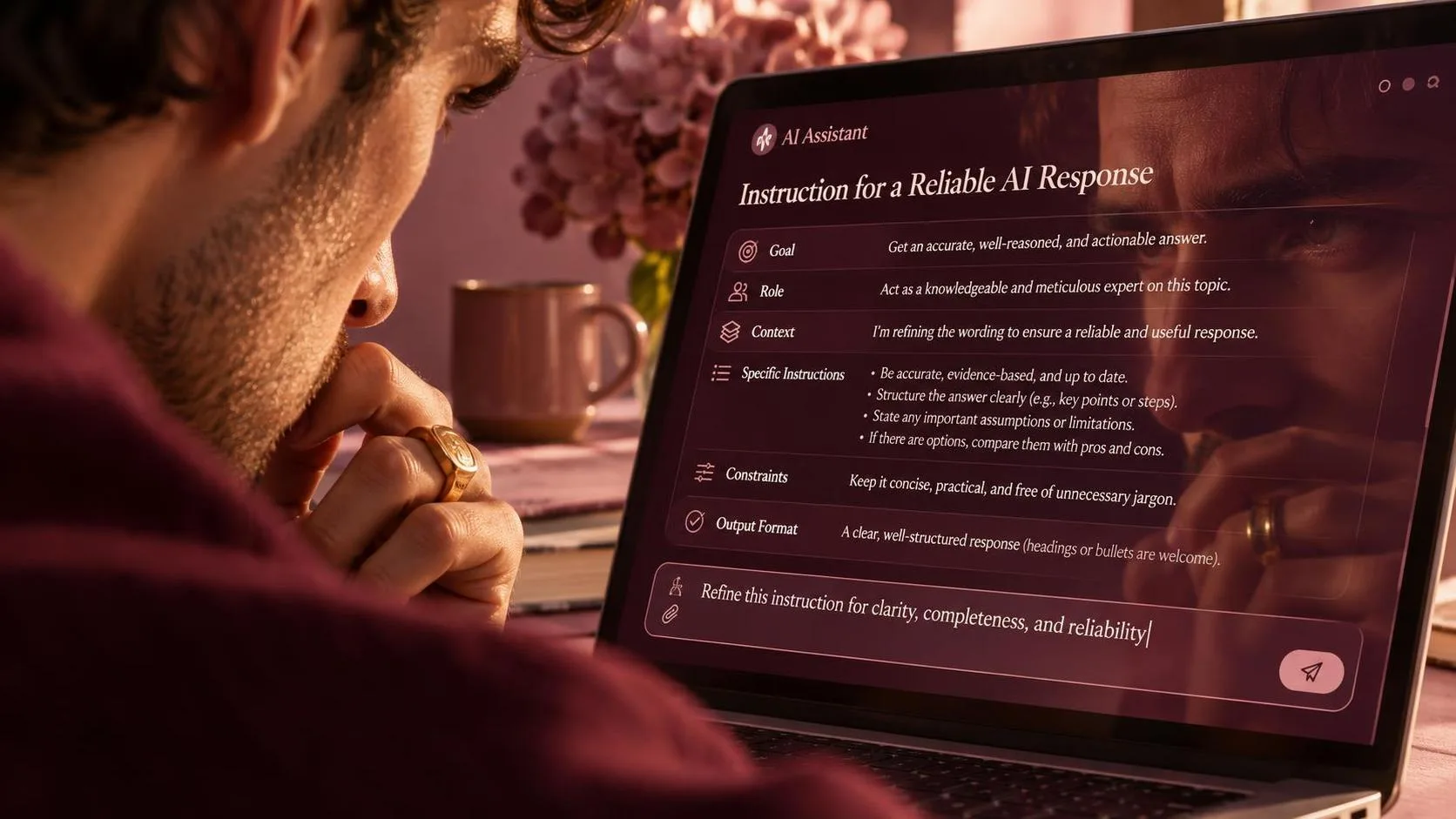
Prompt engineering best practices sound more technical than they are. In plain English, they are reliable ways to tell an AI tool what you need, what information it can use, and what a useful answer should look like. I started paying attention after asking an AI assistant to summarize a vendor email. The first answer was polished, but it left out the delivery date and turned a question into a commitment. The fix was not a secret phrase. It was a better description of the task.
For ordinary office work, prompt quality matters because a weak answer creates cleanup. Here was the actual task: turn a messy email thread into a short update for a shared operations channel. With a vague request, I spent about eight minutes correcting tone, missing facts, and invented certainty. With a structured request, the first draft took less than two minutes and required about three minutes of review. That is useful, but it is not magic. The review still mattered.
Start With the Job, Not the AI Tool
One of the most useful prompt engineering best practices is to define the job before choosing the wording. “Write an email” is not a job description. “Draft a three-paragraph follow-up to a supplier who missed Tuesday’s pickup, using a calm tone and asking for a confirmed Thursday time” is much closer.
Start by naming the action: summarize, compare, rewrite, extract, classify, brainstorm, or calculate. Then identify the audience and the decision the output should support. A message for a warehouse supervisor should not sound like a message for a customer. A list of possible causes is different from a recommendation to take one specific next step.
I also include the starting material directly in the request when the tool supports it. Instead of asking for a generic meeting summary, I paste the notes and say, “Separate decisions, open questions, and assigned tasks.” This reduces guesswork and makes the result easier to inspect. The demo looked good. The Tuesday test was different: clear job definitions produced fewer corrections than clever role-playing instructions.
Give the Model Useful Context and Boundaries
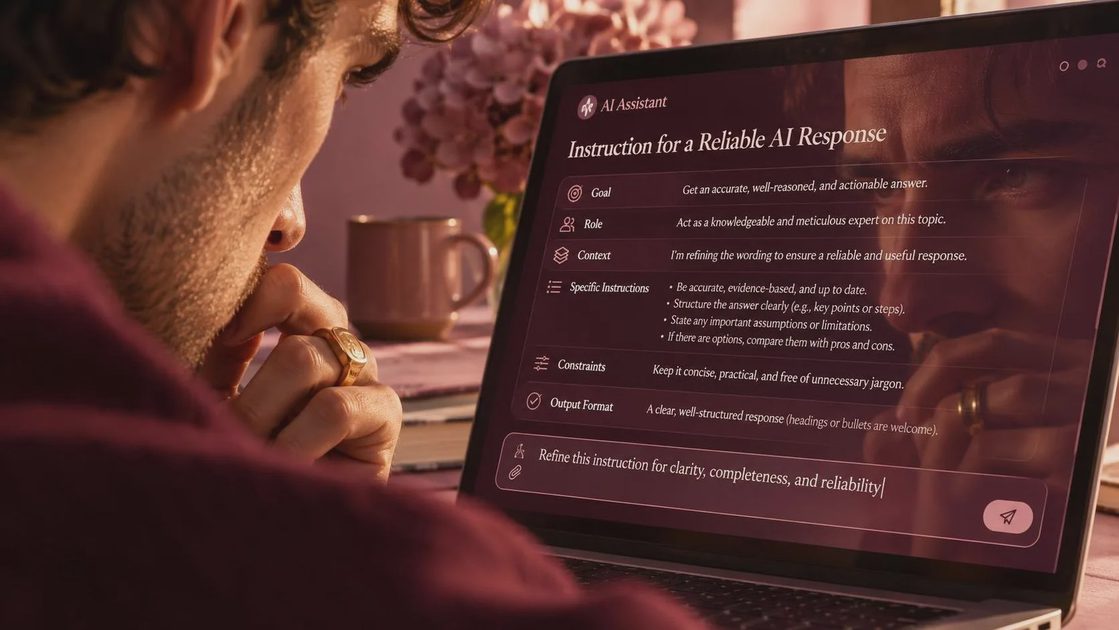
AI can only use the context it receives or the context available through an approved connected system. That makes context one of the core prompt engineering best practices. Include facts that change the answer: deadlines, audience, budget, location, software limitations, company terminology, and what must not be assumed.
A practical request might say, “Use only the information below. If a detail is missing, mark it as unknown rather than filling it in.” That last sentence is important. Without it, a model may produce a smooth guess where a human reader expects a verified fact. For customer-facing work, I usually add, “Do not promise a refund, delivery date, or policy exception unless the source text explicitly supports it.”
Boundaries should be specific. “Be accurate” is too broad to guide a model or a reviewer. “Do not change product names, dates, dollar amounts, or quoted language” is testable. “Keep the answer under 150 words and use four bullet points” is also testable. Good limits make editing faster because you can check the output against visible requirements.
Do not paste confidential customer records, passwords, private employee data, or proprietary documents into a consumer AI service without permission. Redact names and account numbers, or use an approved business workspace. Better prompt wording cannot repair a careless data-handling process.
Specify the Shape of a Useful Answer
Another set of prompt engineering best practices focuses on format. If you need information that will be copied into a spreadsheet, ask for a table or consistent fields. If you need a decision memo, request a recommendation, supporting facts, risks, and next action. The shape is not decoration; it determines whether the answer can enter the next step of your workflow.
For example, I might write: “Return five rows with these columns: issue, evidence from the notes, owner, due date, and confidence. Use ‘not stated’ when a field is absent.” This gives the model a small template and gives me a fast quality check. If the answer has six columns or replaces “not stated” with a guess, I know exactly what to fix.
Examples help when the style is hard to describe. Provide one acceptable paragraph and one unacceptable version, then explain the difference. You can also show how abbreviations should be handled. One or two real examples often work better than a page of adjectives such as professional, engaging, concise, and friendly.
Keep the format appropriate to the task. Asking for a ten-step explanation when you need a three-line Slack update creates unnecessary text and more opportunities for error. Specify length, headings, reading level, and whether the model should include its assumptions.

Build a Review Step Into the Prompt
The strongest prompt engineering best practices treat review as part of the process, not as an admission that AI failed. Ask the tool to identify missing information, list claims that need verification, or separate facts from suggestions. For a spreadsheet formula, request a plain-language explanation and a test case. For a policy summary, ask it to quote the relevant source sentence before drawing a conclusion.
I often use a two-pass workflow. First, the model extracts facts from the source. Second, it turns only those facts into a draft. This is slower than asking for a finished answer in one step, but it reduces the chance that a polished sentence hides an unsupported claim. It also makes corrections easier because I can see whether the mistake happened during extraction or writing.
Never treat confidence-sounding language as evidence. AI can state an incorrect date with the same calm tone it uses for a correct date. Check names, numbers, legal or financial guidance, formulas, and anything that affects a customer or employee. For high-stakes decisions, use the original document and an appropriate qualified reviewer.
Turn a Good Prompt Into a Repeatable Workflow
A prompt becomes more valuable when someone can reuse it next week without remembering your exact conversation. Save the task, required inputs, output format, and review checks in a shared document. Replace changing details with labeled fields such as customer name, reporting period, source notes, and deadline.
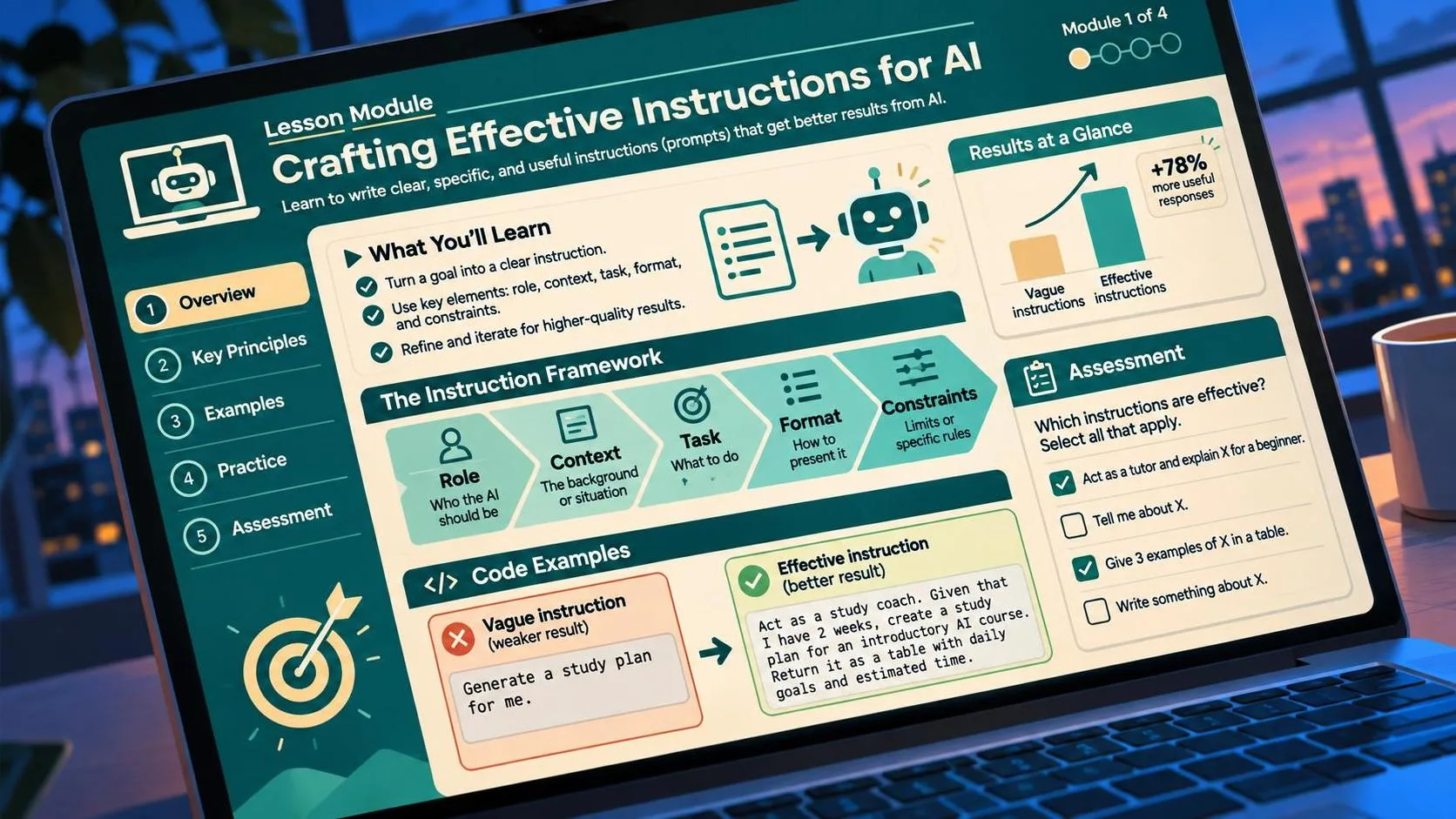
This is where prompt engineering best practices become practical rather than theoretical. A reusable template might begin with the task, list the source material, state restrictions, show the desired format, and finish with a quality check. Keep a short change log when you improve it. Note what the model got wrong, what instruction fixed the problem, and how many minutes the new version saved.
Do not assume a prompt works forever. Models, connected data, and team requirements change. Run the template on three different examples before sharing it widely. Include an easy fallback: if the output misses a required field, a worker should know how to complete the task manually instead of spending twenty minutes arguing with the tool.
Measure the Result Like a Work Experiment
The final prompt engineering best practices are simple measurement habits. Record the old process time, the AI-assisted time, correction time, and the number of meaningful errors. If a task took 30 minutes before and 12 minutes with AI but needed 10 minutes of checking, the practical saving was eight minutes. That is still worthwhile if the task happens every day, but it is not a claim of effortless automation.
Also measure reliability. A prompt that works once on clean notes may fail on a rushed Friday email. Test different lengths, missing fields, awkward wording, and contradictory information. If the result is useful in four out of five trials, decide whether the remaining failure is easy for a person to catch.
My rule is straightforward: test it in real life. Start with a low-risk task such as formatting notes or drafting an internal outline. Improve the instructions based on actual mistakes, then expand carefully. The best setup is not the longest prompt. It is the smallest repeatable instruction that produces a useful draft, exposes uncertainty, and leaves a human in control of the final decision.
For AI tool features, rules and availability, refer to their official sites.


Leave your thoughts here, too.