
The Task
Our carrier updated their shipping policy.
The document was 38 pages. Most of it didn't apply to us—we don't ship hazardous materials, we don't use their international service, we don't have a dedicated account team. But buried in those 38 pages were a few changes that did matter to us: a revised fuel surcharge, a new claims window, and a change to how they handle refused deliveries.
Reading the whole document would have taken about 45 minutes. That's my baseline. I've done it before. It's tedious. I usually skim the sections that matter and skip the rest. Sometimes I miss things.
So this time I used AI to help. I asked it to find the parts that applied to our account, and I measured what it got right and what it missed.
The Setup
Tool: One general-purpose AI assistant (free tier)
Date: October 24, 2026
Document: A 38-page shipping policy update
Task: Find the sections that apply to a mid-size logistics account, and summarize the changes
Input I provided: The full document, redacted to remove account numbers and names
My baseline: 45 minutes to read and extract the relevant sections myself
What I measured: Which relevant sections the AI found, which it missed, and how much time the review actually took
The Prompt
Here's what I typed.
"Below is a 38-page shipping policy update. My company is a mid-size logistics account that ships domestically. We do not ship hazardous materials, we do not use international service, and we do not have a dedicated account team. Find the sections that apply to us. For each section, summarize the change and tell me the page number. Do not summarize sections that don't apply. If a section is unclear, list it separately and mark it as unclear. Here is the document: [pasted document]."
I asked for three things: applicable sections, page numbers, and a separate list for anything unclear.
The Result
The AI returned a summary in about 20 seconds.
It identified 11 relevant sections. My own count after reading would have been 12. So it found most of them.
Here's what it got right:
The revised fuel surcharge tiers (correct section, correct page)
The new claims window (correct section, correct page)
The change to refused delivery handling (correct section, correct page)
The updated rate table for domestic ground shipping (correct section, correct page)
The revised pickup cut-off times (correct section, correct page)
Here's what it missed:
One clause on page 27 about a change to how carrier liability is calculated for high-value shipments. This clause was buried in a sub-paragraph of a larger section about insurance. The AI summarized the larger section but didn't flag the sub-clause. The clause applies to us because we ship some orders worth more than $500.
Here's what it got wrong:
It marked one section as "unclear" that was actually clear. The section was about hazmat exclusions—a section we don't need. The AI flagged it as unclear instead of saying "not applicable."
The Corrections
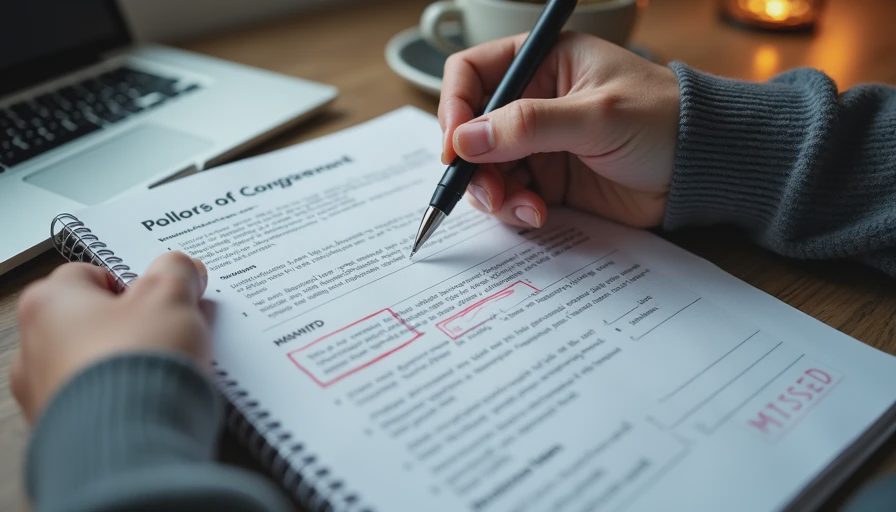
I spent about 18 minutes reviewing the output.
6 minutes: reading the full list of 11 sections against the original document
4 minutes: reading pages 25–30 manually because I noticed the AI skipped a section
3 minutes: finding the buried liability clause on page 27
3 minutes: confirming the AI's page numbers were correct
2 minutes: fixing the "unclear" label
Total time from start to finish: about 25 minutes.
My baseline was 45. The AI version saved about 20 minutes. That's a 44% reduction.
But the missed clause is the important part. If I hadn't done my own review of pages 25–30, I would have missed a change that affects us financially.
What I Learned
A few things stood out.
The AI finds the obvious, misses the buried. Most of the relevant sections were main sections with clear headings. The one it missed was a sub-paragraph inside a section about something else. Buried information is still a weakness.
Page numbers were accurate. The AI cited page numbers, and every one I checked was correct. That made the review faster.
"Unclear" was used incorrectly once. The AI used "unclear" for a section it should have flagged as "not applicable." That's a small error, but it changed how I read the list.
The summary was clean. The format was easy to read. Each section had a one-line summary and a page number. That structure made the review faster.
The time saved was real but smaller than the AI's output suggested. The AI's summary looked like a complete answer. It wasn't. My review time was the real cost.
What Still Needed My Attention
Even with the AI's help, I still did four things manually.
I read the table of contents. The AI didn't give me one. I needed to know which sections existed so I could spot what was missing.
I read pages 25–30 in full. That's where the AI missed the clause. I read those pages because I've learned that important details hide in sub-paragraphs.
I confirmed every page number. The AI was accurate, but I still checked. If one page number had been wrong, I would have lost trust in all of them.
I made the final decision about which sections apply. The AI can flag a section, but it doesn't know our account like I do.
The Numbers
Measure | Value |
|---|---|
Document length | 38 pages |
Baseline time | 45 minutes |
AI summary time | 20 seconds |
Review and correction time | 18 minutes |
Total time | ~25 minutes |
Net time saved | ~20 minutes |
Sections AI found | 11 of 12 |
Buried clauses missed | 1 |
Page numbers accurate | 100% |
"Unclear" flags used correctly | 1 of 2 |
The Verdict
Kept, with a specific method. I'll keep using AI on long policy documents. But I'll always do two things: check the table of contents against the AI's list of sections, and read the section where I'd expect buried details.
Baseline note: My baseline was 45 minutes. The AI version took about 25. That's a 20-minute saving, or 44%. I'll track this again on the next policy update to see if the pattern holds.
The Limitation
One document is not enough to judge this workflow.
A document with clearer structure and fewer sub-clauses might produce better results. A document with more buried details might produce worse ones. I'll test again with a different document type.
Also, I redacted the document before pasting it. That added about 3 minutes to the task and reduced the AI's context. If I were using a paid tool with better privacy controls, I might paste more and get a better result.
And I only tested one tool. A different tool might handle structure better—or worse. I haven't compared yet.
Test it in real life.
No comments yet.