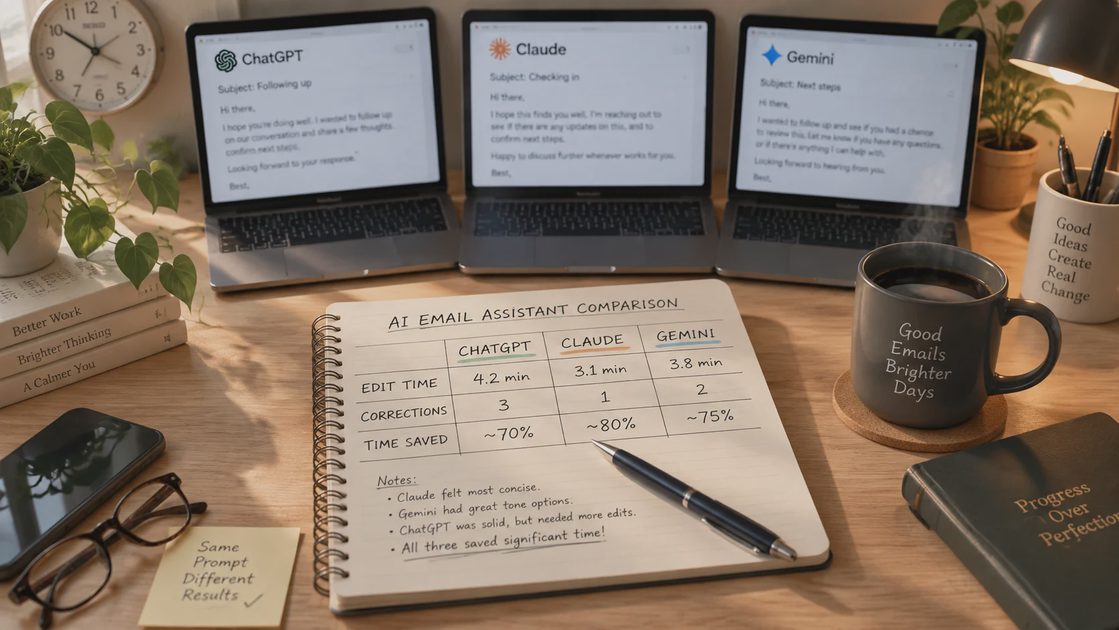
The Task
I had a real email to send.
A vendor had missed a delivery window by four days. The shipment was for a customer order that was already promised. I needed to write a firm but professional follow-up email to the vendor's account manager, and I needed a clear new delivery commitment in writing by end of day.
This is the kind of email I write maybe two or three times a week. It's not complicated, but it has to land right. Too soft, and the vendor won't prioritize. Too harsh, and the relationship sours.
I normally spend about 12 minutes on an email like this. Writing, revising, reading it once more before sending.
For this test, I gave the same task to three tools. Same prompt. Same context. Same constraints.
The Setup
Tools tested: ChatGPT (free tier), Claude (free tier), Gemini (free tier)
Date: September 22, 2026
Task: Draft a firm but professional follow-up email to a vendor about a missed delivery
Input I provided: A short context paragraph with the vendor name replaced by [VENDOR], the account manager replaced by [MANAGER], the promised date, the actual status, and the customer impact
What I wanted: A draft I could edit and send in under 10 minutes
Baseline: 12 minutes (my normal time for this email type)
I did not tell the tools what a "good" email looked like. I did not give them examples of my past emails. I wanted to see what each one produced from a cold start.
The Prompt
Here's the exact prompt I used for all three tools.
"Write a follow-up email to [MANAGER] at [VENDOR]. Their shipment was promised for [DATE A] and has not arrived. The customer order it supports is now at risk. I need a firm but professional email that asks for a specific new delivery date by end of day, and confirms the delay in writing. Keep it under 150 words. Do not use the phrases 'just checking in' or 'circle back.'"
The Results
Here's what each tool produced.
ChatGPT
ChatGPT returned a draft in about 8 seconds.
The email was clean. It had a subject line, a greeting, a short body, and a clear ask. It referenced the missed date. It asked for a new commitment by end of day. It was about 130 words.
But it was generic. The first sentence was "I hope this email finds you well." The middle paragraph used the phrase "we understand that delays can occur," which felt too soft for a customer order that was already at risk. The closing was "Thank you for your prompt attention to this matter."
I rewrote the opening. I cut the soft middle sentence. I changed the closing. That took about 6 minutes.
Time saved: About 4 minutes.
Corrections required: Moderate. Tone adjustments, one cut, one rewrite of the opening.
Claude
Claude returned a draft in about 11 seconds.
The email was firmer. It opened with a direct statement: "The shipment promised for [DATE A] has not arrived." It did not soften the delay. It named the customer impact in one sentence. It asked for a written commitment by end of day. It was about 110 words.
It also did something I didn't ask for. It added a line offering to escalate to a supervisor if the manager couldn't confirm a new date. I hadn't asked for that, but it was the right instinct for a customer-at-risk situation.
I changed one word in the second sentence and adjusted the subject line. The rest was usable. That took about 3 minutes.
Time saved: About 9 minutes.
Corrections required: Light. One word change, subject line adjustment.
Gemini
Gemini returned a draft in about 7 seconds.
The email was the shortest of the three—about 95 words. It opened with a direct sentence and ended with a clear ask. But it missed two things I needed. It didn't confirm the delay in writing, and it didn't mention the customer impact. It also used the phrase "at your earliest convenience," which I hadn't asked for and which weakened the ask.
I added the customer-impact sentence. I added the request for written confirmation. I rewrote the closing. That took about 8 minutes.
Time saved: About 4 minutes.
Corrections required: Substantial. One added sentence, one added request, one rewritten closing.
The Comparison
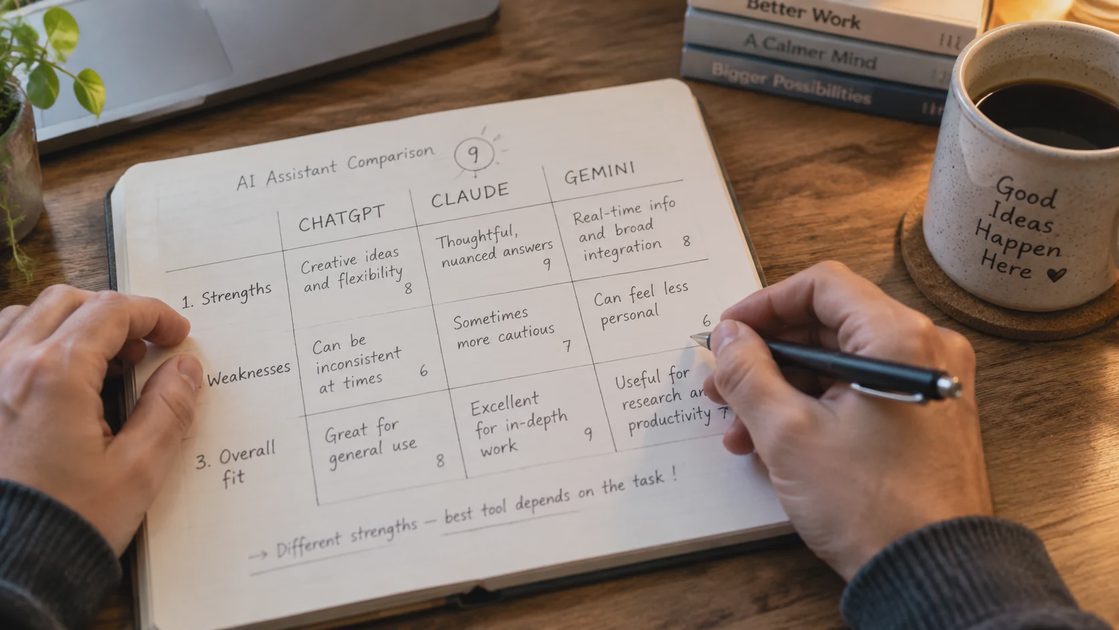
Here's how the three tools stacked up on the actual measures I care about.
Tool | Draft time | My edit time | Total time | Time saved vs. baseline | Corrections |
|---|---|---|---|---|---|
ChatGPT | 8 sec | 6 min | ~6 min | 4 min | Moderate |
Claude | 11 sec | 3 min | ~3 min | 9 min | Light |
Gemini | 7 sec | 8 min | ~8 min | 4 min | Substantial |
The tool that took the longest to generate was also the one that needed the least correction. Claude's 11-second draft was more usable than ChatGPT's 8-second draft and Gemini's 7-second draft.
Speed of generation was not the deciding factor. Quality of the first draft was.
What I Learned
A few things stood out.
Generation speed is almost irrelevant. All three tools produced a draft in under 15 seconds. The difference between 7 seconds and 11 seconds is not a real difference. What mattered was how much editing I had to do afterward.
The best draft was also the firmest. Claude's draft was the most direct. It did not soften the missed delivery. It named the customer impact. It asked for a written commitment. That's what the situation called for.
The softest draft took the longest to fix. ChatGPT's draft was polite but weak. I had to rewrite the opening and cut the soft middle sentence. That's where my time went.
One tool did something I didn't ask for—and it was right. Claude added an escalation offer. I hadn't requested it. But for a customer-at-risk email, offering a path to escalate is exactly the right move.
The shortest draft missed the most. Gemini's draft was the shortest and the fastest to generate. It was also missing two things I needed. Shorter isn't better if it's incomplete.
What Still Needed My Attention
None of the three drafts was ready to send.
Context. No tool knew the vendor relationship. I've worked with this account manager for two years. That changed how I phrased the second paragraph.
Tone. No tool knew how firm I could be without risking the relationship. I know the manager. I know what he responds to. That's a judgment call, not a generation task.
Customer specifics. No tool knew the customer's name, the order number, or the promise date. Those are details I added manually.
Final read. I read every draft out loud before sending. None of the tools would catch a sentence that sounds fine written but awkward spoken. That's a human check.
The Verdict
Claude — Kept. Best first draft for this email type. Least correction time. I'll use it again for vendor follow-ups and other firm-but-professional emails.
ChatGPT — Kept, but selectively. The draft was fine, but it needed more editing than Claude's. I'll use it for softer emails where the tone matters less.
Gemini — Not kept for this task. The draft missed two required elements and used a phrase I'd asked it to avoid. I'll test it again on a different email type before deciding.
Baseline note: My baseline for this email type was 12 minutes. Claude brought the total to about 3 minutes. That's a 9-minute saving on a task I do 2-3 times a week. Over a month, that's roughly 1.5 hours. That's a real number, not a demo number.
The Limitation
One email is not enough to judge any tool.
This test used one email type, on one day, with one prompt. Claude did best here. That doesn't mean Claude is best for every email. It means Claude was best for this one.
I'll run the same test again in a month on a different email type—probably a customer apology or an internal escalation. If Claude wins again, I'll have more confidence. If it doesn't, I'll say so.
Also worth noting: all three tools were free tiers. Paid versions might behave differently. I'll test that separately before making any recommendation about paying for a subscription.
Test it in real life.
No comments yet.